
Homeowners often understand a plan intellectually but still cannot picture how the finished space will feel. A design-build contractor in Vancouver WA can use 3D models and virtual-reality views to turn abstract drawings into decisions about scale, circulation, storage, lighting and materials. The technology is most valuable when it changes the project before construction, not when it is used only as a presentation tool.
Nick and Sons is a design-build company that connects architectural design, permitting and construction. That connection allows visualizations to be checked against real dimensions, products and build methods. The result can be fewer misunderstandings and more confident decisions before crews are on site.

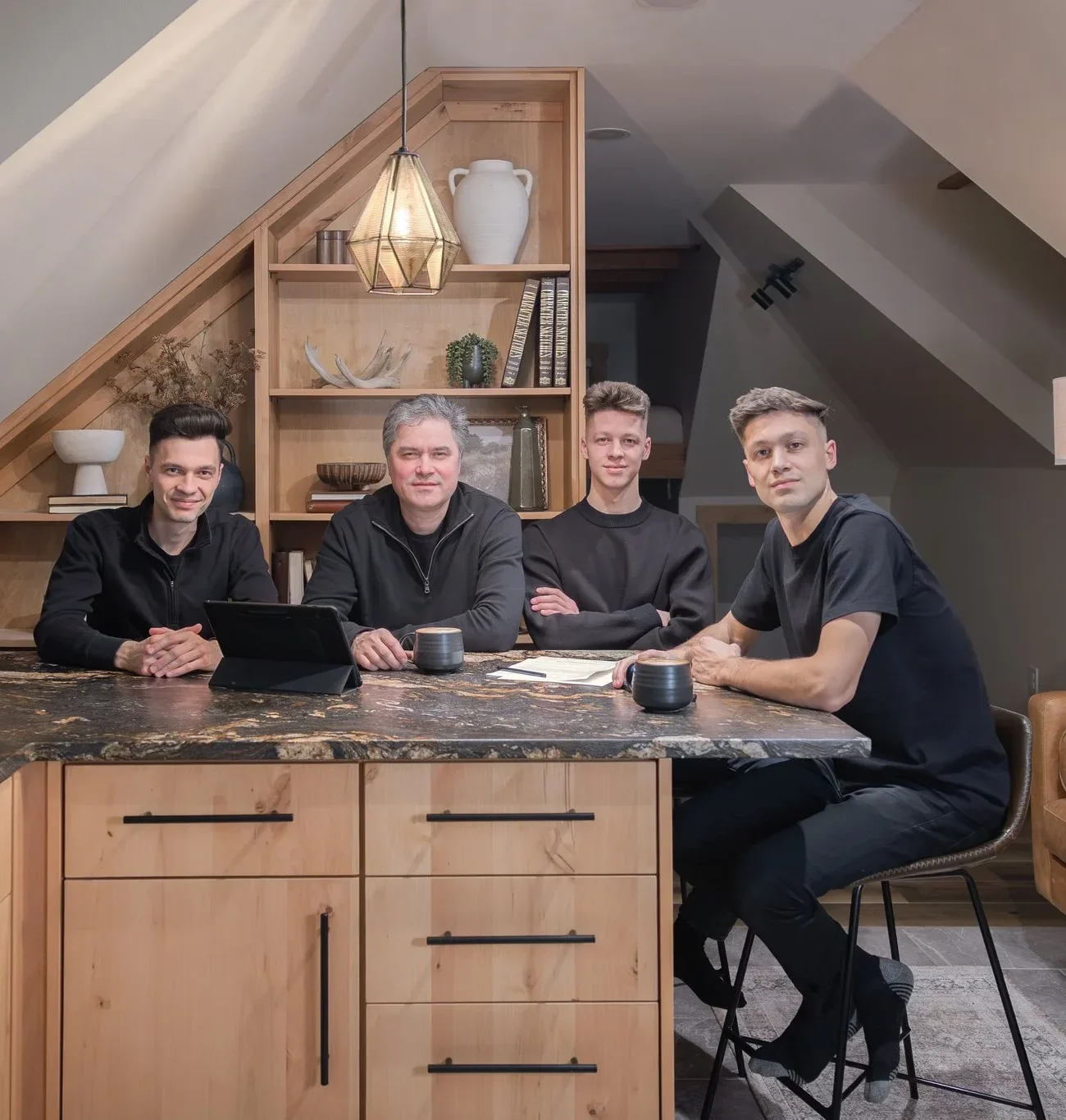
Featured image — Design-build contractor in Vancouver WA coordinating design and construction. Image source: Nick and Sons Design Build
2D Plans Still Matter
Floor plans, elevations, sections and details remain the contractual language of construction. They show dimensions and relationships precisely. A 3D model does not replace complete documentation, engineering or specifications.
Instead, the model helps homeowners read those documents. Seeing a room from eye level can reveal issues that are difficult to notice in plan, while the technical drawings tell the team exactly how to build the approved design.
Visualize Scale and Circulation
A room may look large on a screen until furniture, cabinet depth and walking clearances are included. Three-dimensional views can show how an island affects movement, whether a stair feels open and how a ceiling change influences the room.
Virtual walkthroughs are especially useful for additions and compact ADUs because every foot matters. Homeowners can test the path from entry to kitchen or from bedroom to bathroom before framing begins.
Coordinate Cabinets, Appliances and Fixtures
Kitchens and bathrooms contain many tightly coordinated components. A cabinet door can conflict with an appliance handle, a pendant can miss the island centerline or a mirror can crowd a sconce.
Detailed models and elevations make these relationships easier to review. They also help fabricators and trades understand the design intent, reducing field improvisation.
Compare Materials as Complete Palettes
Choosing one sample at a time can produce a collection that does not feel cohesive. Rendered views allow homeowners to compare cabinet color, counters, flooring, tile and hardware as a group.
Digital color is not a substitute for physical samples, but it can narrow options. Final selections should still be reviewed in actual light and documented in a finish schedule.

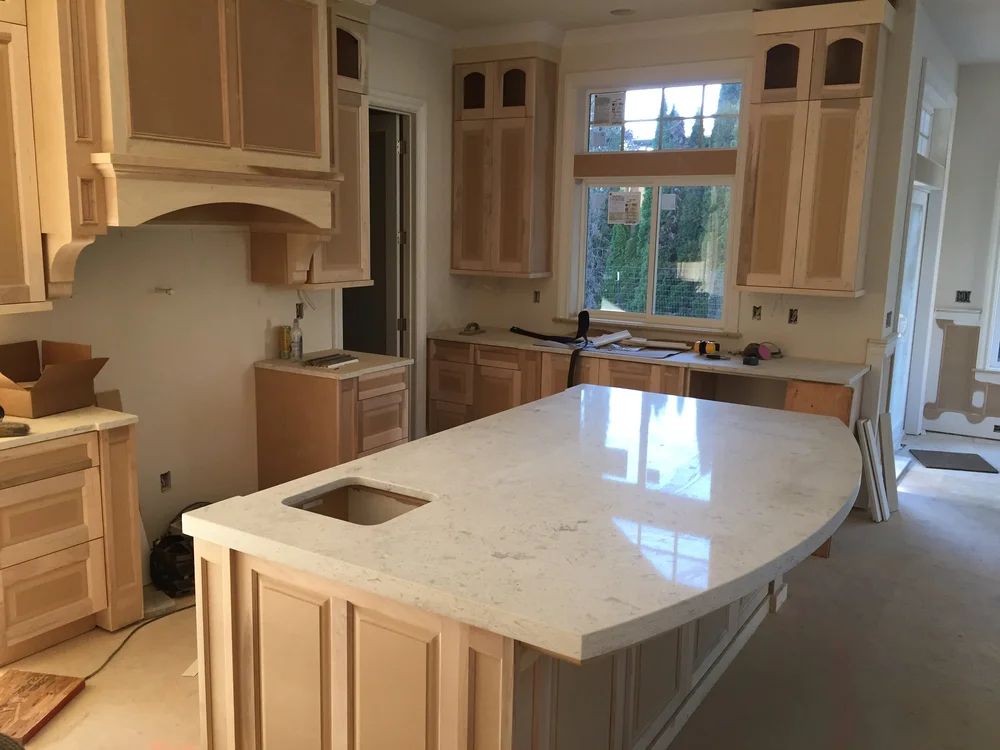
Cabinet installation coordinated from detailed kitchen design drawings. Image source: Nick and Sons Design Build
Test Daylight and Lighting Locations
Models can help show window placement, shadows and the relationship between decorative and recessed lighting. They reveal when a fixture blocks a view or leaves a work surface underlit.
Exact lighting performance requires technical calculations and product data, but visual review improves placement decisions and supports better conversations with the electrical team.
Identify Structural and Mechanical Conflicts
A coordinated model can show where beams, ducts, plumbing and ceilings compete for space. Resolving those conflicts on screen is usually less disruptive than discovering them after framing.
The value comes from collaboration. The design-build contractor in Vancouver WA must connect the model to structural and trade input rather than treating it as an isolated design file.
Control Scope Before Pricing
A contractor cannot price what has not been defined. Visualizations help homeowners confirm the extent of demolition, built-ins, finish areas and transitions. More complete scope information supports more useful estimates.
This does not eliminate all changes or hidden conditions, but it reduces preference-driven changes caused by misunderstanding the design.
Use Virtual Reality for High-Impact Decisions
Virtual reality is most useful for decisions involving spatial experience: ceiling height, room proportions, sight lines, window size and circulation. It may be unnecessary for every closet or simple finish replacement.
A good team uses the right level of visualization for the project. The goal is clarity, not technology for its own sake.
Create an Approval Process
Models evolve as decisions are made. Establish review milestones and record approvals so the design does not drift. A selected rendering should correspond to updated plans, specifications and budgets.
Homeowners should understand which elements are final, which are representative and which still require product selection. Clear documentation prevents a rendering from being mistaken for an unpriced promise.
Carry Design Information Into the Field
The construction team should have access to approved drawings, details and relevant visualizations. Site meetings can reference the same information that homeowners approved during design.
Nick and Sons’ integrated process and completed projects show how detailed design can translate into custom cabinetry, compact layouts and refined finishes.
Know Which Decisions Still Require Physical Verification
Visualization is powerful, but some decisions cannot be finalized on a screen. Countertop veining, wood variation, paint undertones, tile texture and fixture finish should be reviewed with physical samples. Mockups may be appropriate for complex tile layouts, custom stain colors or important exterior transitions. The model narrows choices; tangible review confirms them.
Existing conditions also require field verification. A laser scan or measured model improves accuracy, yet walls may not be perfectly straight and concealed framing can differ from records. Construction documents should identify critical dimensions to verify before fabrication. Cabinetry, glass and stone are especially sensitive to small field differences.
A mature design-build process is clear about levels of certainty. It distinguishes conceptual imagery from specified products, measured conditions from assumptions and owner preferences from approved scope. That clarity allows technology to support trust rather than create unrealistic expectations.
Use a Structured Agenda for Every 3D Design Review
A productive visualization meeting should have a defined purpose. Begin by confirming which decisions are ready for approval and which images are still conceptual. Review the plan and circulation first, because attractive finishes cannot solve a poor layout. Then examine critical viewpoints such as the kitchen work zone, stair arrival, bathroom clearances and exterior relationship to the site.
Record decisions directly against the model or a numbered image set. Note approved items, requested revisions, unanswered questions, budget implications and who is responsible for follow-up. This prevents a comment such as “make the island larger” from becoming an undocumented change that conflicts with clearances or cabinetry pricing.
End with a summary of what the next model will show and which physical samples or field measurements are still required. A design-build contractor in Vancouver WA can use this process to connect visualization with specifications, estimates and construction documents. The goal is not simply to impress the homeowner; it is to turn each review into reliable project information. Before closing the meeting, confirm the revision deadline, any selections the homeowner must provide and whether the changes affect engineering or permit documents. This final checkpoint keeps visual decisions connected to the project schedule and prevents approved ideas from being lost between design phases.
Project Planning Checklist
- Use 3D views to test high-impact spatial decisions.
- Include real furniture and appliance dimensions.
- Coordinate the model with technical drawings.
- Review cabinets, lighting and fixtures together.
- Compare complete material palettes with physical samples.
- Resolve beam, duct and plumbing conflicts early.
- Tie approved visuals to a written scope and budget.
- Document homeowner approvals at design milestones.
- Provide the field team with current drawings and visuals.
Frequently Asked Questions
Does 3D design guarantee there will be no change orders?
No. Hidden conditions, owner-requested changes and product issues can still occur. It can reduce changes caused by unclear layouts or misunderstood selections.
Is virtual reality useful for a small remodel?
It can be, especially when circulation, cabinetry or ceiling conditions are complex. Simpler projects may only need targeted 3D views.
Are rendered colors exact?
No. Screens and lighting affect color. Renderings should be used with physical finish samples.
Does a 3D model replace construction drawings?
No. Construction requires dimensioned, coordinated and permitted documents. The model supports understanding and coordination.
What should a design-build contractor in Vancouver WA show in 3D?
Focus on decisions that affect space, cost and coordination: layout, massing, cabinetry, major finishes, lighting and structural relationships.
Plan the Project With One Coordinated Team
3D and virtual design create value when they lead to better decisions and clearer documentation. An experienced design-build contractor in Vancouver WA connects the model to scope, pricing, permits and field execution. Schedule a design consultation to see how Nick and Sons can visualize your project before construction.
External Sources
- Design-Build Institute of America: What Is Design-Build?
- National Institute of Building Sciences: BIM Resources
- American Institute of Architects: Project Delivery
Image Credits
- Design-build contractor in Vancouver WA coordinating design and construction — Nick and Sons Design Build website
- Cabinet installation coordinated from detailed kitchen design drawings — Nick and Sons Design Build website